Can You Use GBWhatsApp Without Getting Banned?
It's the most common question we get: "Will I get banned if I use GBWhatsApp?" The short answer is: it's possible, but highly unlikely if you know what you're doing.
WhatsApp occasionally cracks down on modified apps, issuing temporary 1-hour or 24-hour bans. However, modern versions of GBWhatsApp come with built-in "Anti-Ban" scripts. In this guide, I'll explain how bans work and give you the exact steps to keep your account 100% safe.
Why Do GBWhatsApp Bans Happen?
WhatsApp's official Terms of Service state that using unsupported third-party apps is a violation. Their automated systems look for unnatural behavior that official apps can't do. You usually get flagged for:
- Spamming: Sending bulk messages to people who don't have your number saved.
- Overusing Mod Features: Downloading 50 statuses in a minute or sending 100 images at once.
- Using Outdated Versions: Old versions of GBWhatsApp don't have the updated anti-ban codes to bypass WhatsApp's latest security checks.
How to Stay Safe on GBWhatsApp (Best Practices)
You can enjoy all the custom themes and privacy features without triggering alarms. Just follow these rules:
1. Always Use the Latest Version
This is non-negotiable. When WhatsApp updates its security, GBWhatsApp developers update their anti-ban scripts. If you ignore update prompts, you are putting your account at risk. Always verify the version information before installing any update.
2. Don't Abuse the Features
Keep your usage looking "human".
- Don't use the mass-message sender feature unless absolutely necessary.
- Don't add hundreds of people to a group at once.
- Avoid sending files larger than 100MB frequently, even though the app allows it.
3. Use a Secondary Number (Recommended)
If you are extremely worried about losing your primary chat history, the smartest move is to use GBWhatsApp with a secondary phone number. Use the official app for your main contacts, and the modded app for your alternate number.
What to Do if Your GBWhatsApp Gets a Temporary Ban
If you see a timer on your screen saying "You're temporarily banned from WhatsApp," don't panic. Your account isn't gone forever.
- Wait it out: Let the timer (usually 1 or 24 hours) run down completely.
- Backup your chats: Once the timer ends, immediately go to GB Settings and backup your chats locally.
- Uninstall GBWhatsApp: Remove the app from your phone.
- Install Official WhatsApp: Download the official app from the Play Store, verify your number, and restore your chats.
- Wait a few days: Use the official app for 3-4 days to clear your account's "flagged" status.
- Reinstall GBWhatsApp: Download the latest anti-ban version and switch back.
Frequently Asked Questions
Are permanent bans real?
Permanent bans are very rare for just using GBWhatsApp. They usually only happen if you are reported by multiple users for spamming or harassment.
Does the Anti-Ban feature work automatically?
Yes. In the latest versions (like v18.80+), the anti-ban script is hardcoded into the APK. You don't need to toggle any switches in the settings to activate it.
Can WhatsApp read my messages on GBWhatsApp?
No. GBWhatsApp uses the exact same end-to-end encryption servers as the official app. Your messages are just as secure from interception.
Conclusion
Using GBWhatsApp is like driving a sports car—it's incredibly fun and powerful, but you shouldn't redline the engine constantly. Keep the app updated, don't spam people, and you can enjoy Ghost Mode and custom themes without ever seeing a ban screen.
Recommended Reading
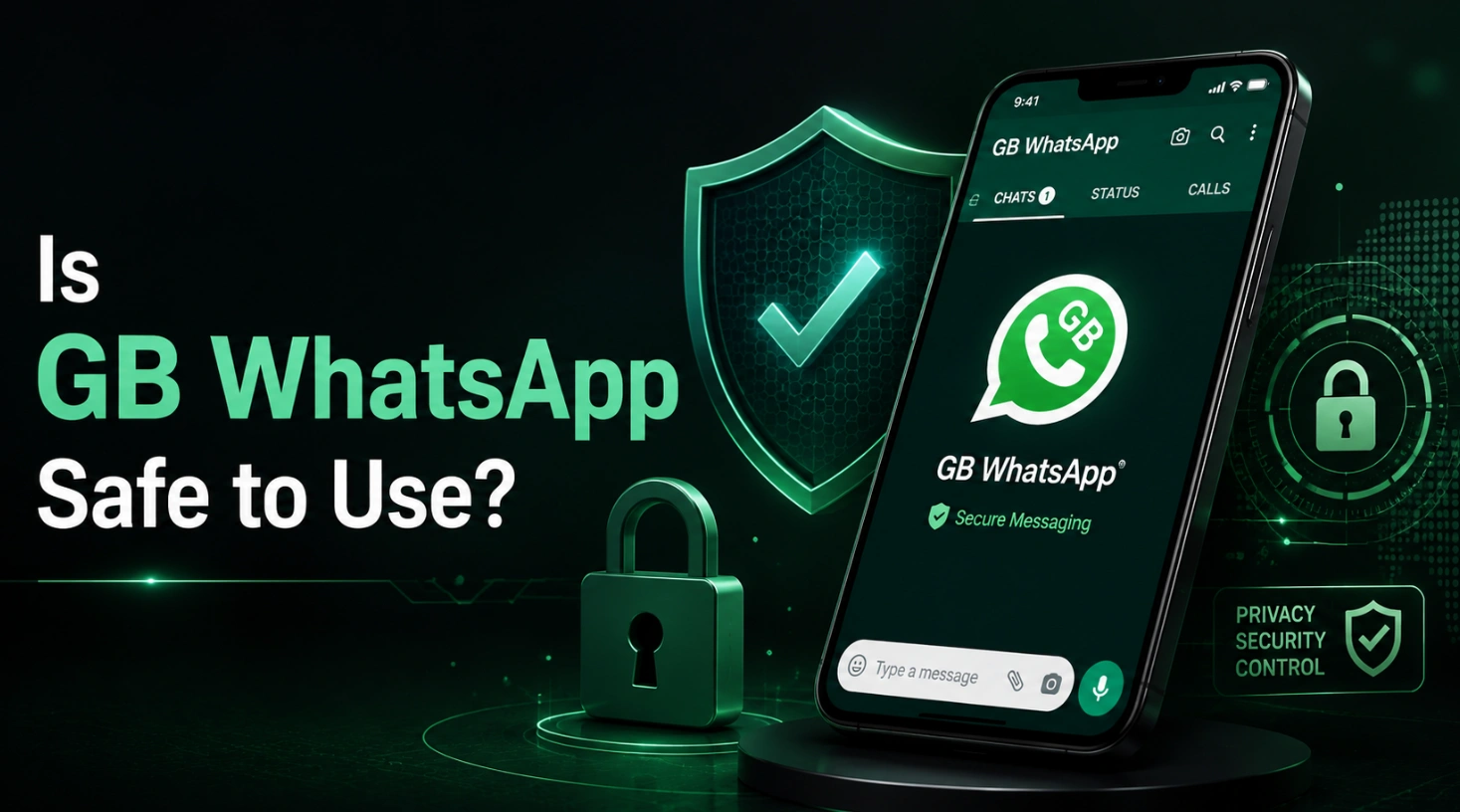
Is GB WhatsApp Safe to Use? Security and Privacy Risks
Is GB WhatsApp safe to use? Learn about its security, privacy, account ban risks, APK downloads, and what to consider before installing it.
Read More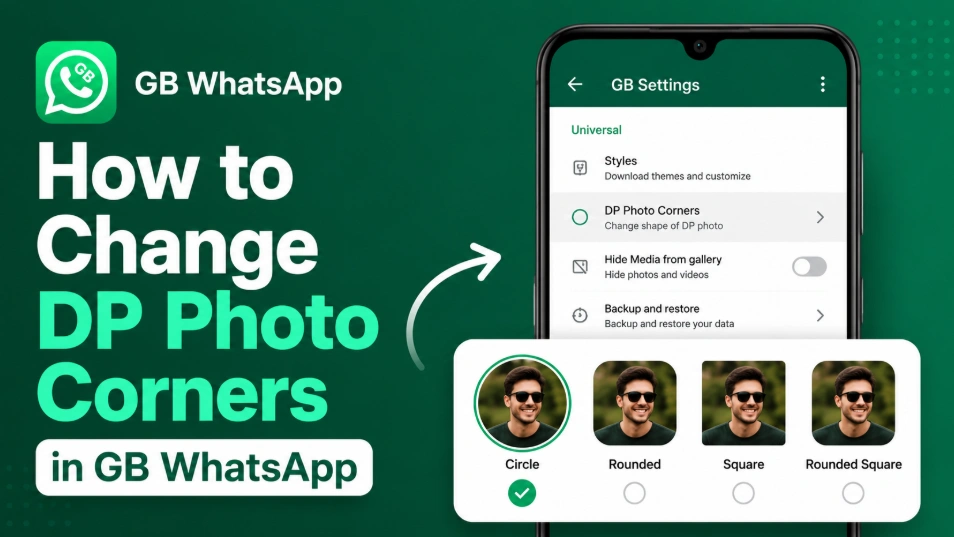
How to Change DP Photo Corners in GB WhatsApp (2026)
Learn how to change DP Photo Corners in GB WhatsApp by opening GB Settings > Universal > DP Photo Corners, selecting your preferred style, and saving the changes.
Read More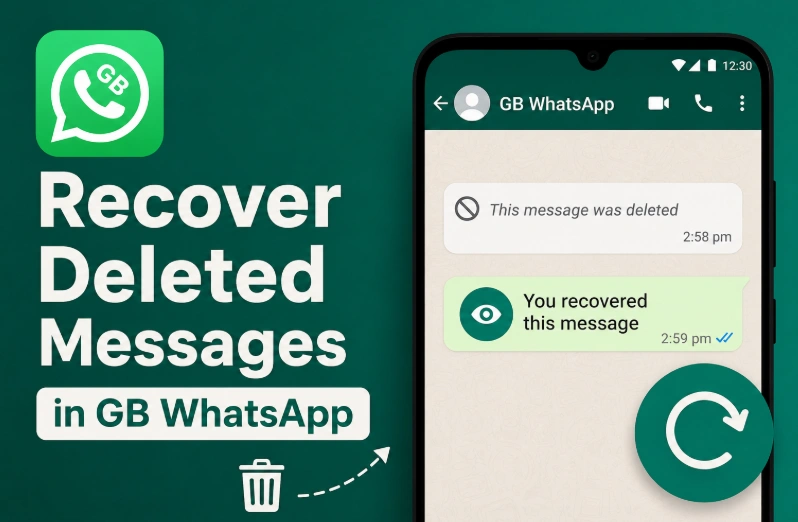
How to Recover Deleted Messages in GB WhatsApp (2026)
Recover deleted messages in GB WhatsApp by enabling the Anti-Delete Messages feature. View messages even after the sender deletes them.
Read More