How to Recover Deleted Messages in GB WhatsApp
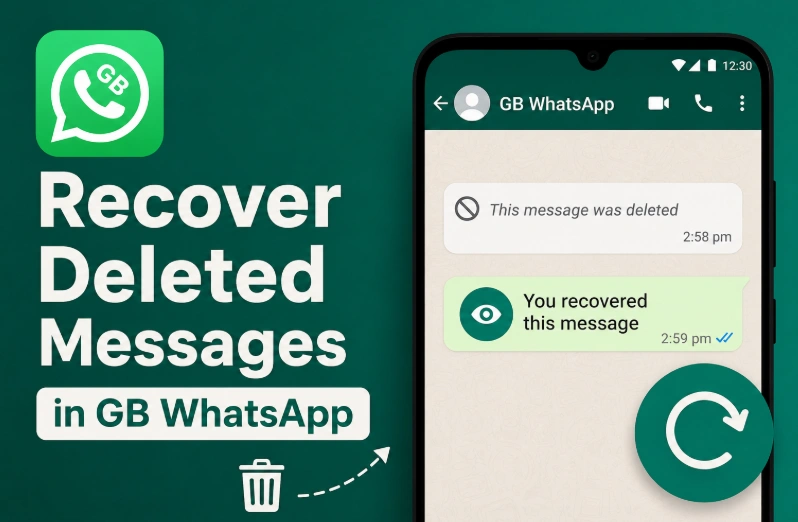
Have you ever received a message only to see "This message was deleted" before you had a chance to read it? One of the most popular GB WhatsApp features is Anti-Delete Messages, which lets you view messages even after the sender deletes them for everyone.
In this guide, you'll learn how to enable Anti-Delete Messages, how it works, and what to do if it isn't working.
Can GB WhatsApp Recover Deleted Messages?
Yes, but only under certain conditions.
GB WhatsApp cannot recover messages that were deleted before you enabled the feature. Instead, it prevents newly deleted messages from disappearing by saving them on your device.
If Anti-Delete Messages is turned on, you'll still be able to read messages that others try to delete.
How to Enable Anti-Delete Messages
Follow these simple steps:
- Open GB WhatsApp.
- Tap the three-dot menu and open GB Settings.
- Go to Privacy & Security or Custom Privacy, depending on your version.
- Find Anti-Delete Messages.
- Turn the feature On.
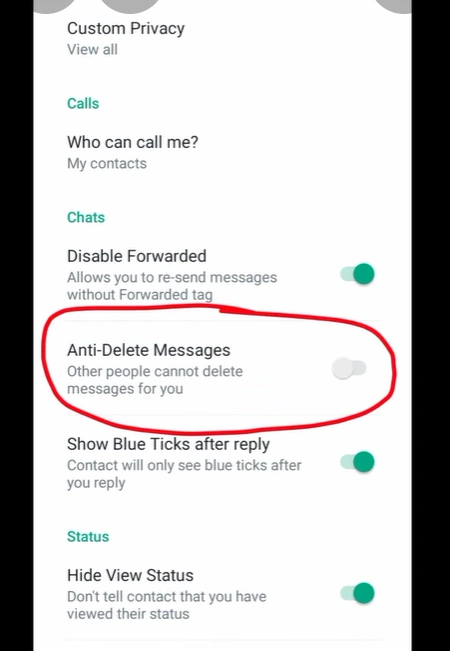
Once enabled, GB WhatsApp will keep deleted messages visible in your chats.
How to View Deleted Messages
After enabling the feature:
- Open the chat where the message was deleted.
- Instead of disappearing, the deleted message will remain visible.
- You can read the message normally even if the sender selected Delete for Everyone.
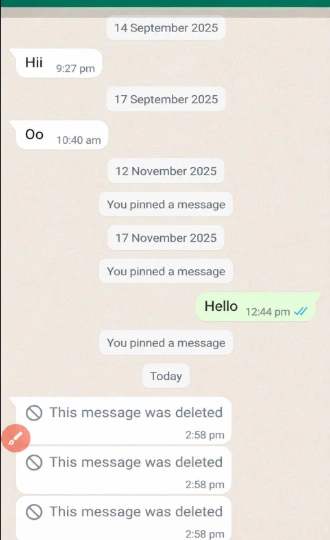
Why Isn't Anti-Delete Messages Working?
If you still can't see deleted messages, try these fixes:
- Update to the latest version of GB WhatsApp.
- Make sure Anti-Delete Messages is enabled.
- Restart the app after changing the setting.
- Remember that messages deleted before enabling the feature cannot be recovered.
Does This Feature Work for Media?
It depends on the version of GB WhatsApp you're using.
Some versions can also keep deleted photos, videos, and voice messages, while others only preserve deleted text messages. Updating to the latest release usually provides the best compatibility.
Is Anti-Delete Messages Safe?
Anti-Delete Messages is one of GB WhatsApp's built-in features and works locally on your device. However, because GB WhatsApp is a third-party app and is not developed by Meta, you should always download the latest version from a trusted source and keep it updated for the best performance and security.
Frequently Asked Questions
Can I recover messages deleted before enabling Anti-Delete?
No. The feature only works for messages deleted after Anti-Delete Messages has been turned on.
Can the sender know that I read a deleted message?
No. The sender is not notified that you viewed a deleted message.
Does Anti-Delete work in group chats?
Yes. It works in both individual and group conversations, provided the feature is enabled.
Do I need root access?
No. GB WhatsApp's Anti-Delete feature works on standard Android devices without root access.
Final Thoughts
If you often miss messages that others delete, Anti-Delete Messages is one of the most useful features in GB WhatsApp. Simply enable it once, keep your app updated, and you'll be able to view deleted messages sent after the feature is activated.
Recommended Reading
Is GB WhatsApp Safe to Use? Security and Privacy Risks
Is GB WhatsApp safe to use? Learn about its security, privacy, account ban risks, APK downloads, and what to consider before installing it.
Read More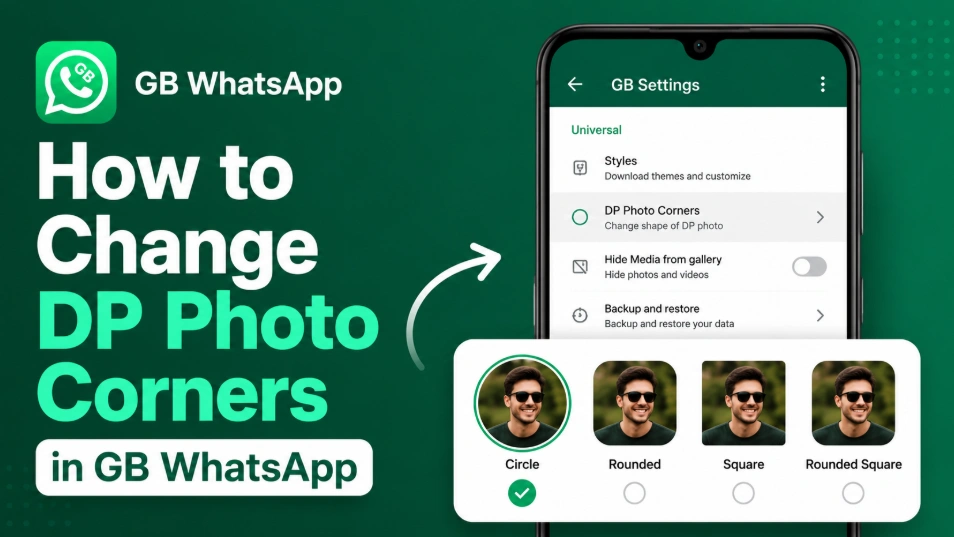
How to Change DP Photo Corners in GB WhatsApp (2026)
Learn how to change DP Photo Corners in GB WhatsApp by opening GB Settings > Universal > DP Photo Corners, selecting your preferred style, and saving the changes.
Read More
Why Some GBWhatsApp Versions Stop Working Suddenly
Find out why your GBWhatsApp suddenly stopped working. We explain the common causes like forced updates, expired versions, and how to fix them.
Read More