Why Some GBWhatsApp Versions Stop Working Suddenly
You wake up, try to check your messages, and boom—GBWhatsApp refuses to open. It either crashes immediately, shows an "App Expired" screen, or demands an update that you can't find on the Play Store.
It's incredibly frustrating, but it's actually a normal part of using modded apps. In this post, I'll explain exactly why this happens and give you the quickest ways to get your chats back online.
The 3 Main Reasons GBWhatsApp Stops Working
GBWhatsApp doesn't just break randomly. There is almost always a specific trigger behind the sudden shutdown.
1. The Base Code Expired
GBWhatsApp is built on top of the official WhatsApp source code. The official company hardcodes an "expiration date" into every version they release (usually about 3-4 months after release). When that date hits, the app locks itself. Since GBWhatsApp uses that same base code, it inherits that expiration date.
2. Forced Server-Side Updates
Sometimes WhatsApp changes how their servers communicate with the app. If they change the encryption protocol or server API, older versions of GBWhatsApp can no longer connect to the network, resulting in endless "Connecting..." loops or crashes.
3. Corrupted Cache or Themes
If you recently installed a heavy XML theme or your phone's storage is completely full, the app's cache might become corrupted, causing it to crash the moment you open it.
How to Fix the GBWhatsApp "Expired" Error
If you're staring at an "App Expired" screen, do NOT uninstall the app yet, or you might lose your chats. Follow these steps:
The Quick Fix (Updating)
- Leave the expired app installed on your phone.
- Verify the latest GBWhatsApp version information from a source you trust.
- Review the APK file details and security scan results before installing.
- Install the new APK directly over the old one.
- Open the app. The expiration screen should be gone, and your chats will be exactly where you left them.
The Temporary Fix (Time Travel)
If you urgently need to read a message but can't download the update right now, try this trick:
- Go to your phone's Settings > Date & Time.
- Turn off "Automatic date and time".
- Change the date back by 1 or 2 months.
- Open GBWhatsApp. It will think it hasn't expired yet, allowing you to quickly read messages or backup your chats.
Note: This is a temporary hack. You won't be able to send or receive new messages until you fix the date and update the app.
How to Prevent Sudden GBWhatsApp Crashes
Nobody likes waking up to a broken app. Here is how to stay ahead of the curve:
- Check for Updates Manually: Don't wait for the app to die. Every month, go to GB Settings > Updates > Check for Updates.
- Clear Cache Weekly: Go to Phone Settings > Apps > GBWhatsApp > Storage > Clear Cache. This prevents theme and media corruption.
- Keep 2GB Free Space: WhatsApp needs breathing room to process incoming media and create local backups. If your storage is at 99%, the app will crash.
Frequently Asked Questions
Will I lose my chats if I update?
No, as long as you install the new APK directly over the old one without uninstalling first, all your chats, media, and settings will be preserved.
Why isn't the update on the Play Store?
GBWhatsApp is a modified version of the official app, which violates Google Play Store policies. It will never be available on the Play Store; you must download it from trusted websites.
I updated, but it still crashes. What now?
You might have downloaded a corrupted APK or a version for a different architecture. Delete the downloaded APK file, clear your browser cache, download it again from our site, and try reinstalling.
Conclusion
Sudden shutdowns are the price we pay for having advanced features like Ghost Mode and custom themes. But as long as you know how to safely update the app without losing your data, an "App Expired" screen is nothing more than a 2-minute inconvenience.
Recommended Reading
Is GB WhatsApp Safe to Use? Security and Privacy Risks
Is GB WhatsApp safe to use? Learn about its security, privacy, account ban risks, APK downloads, and what to consider before installing it.
Read More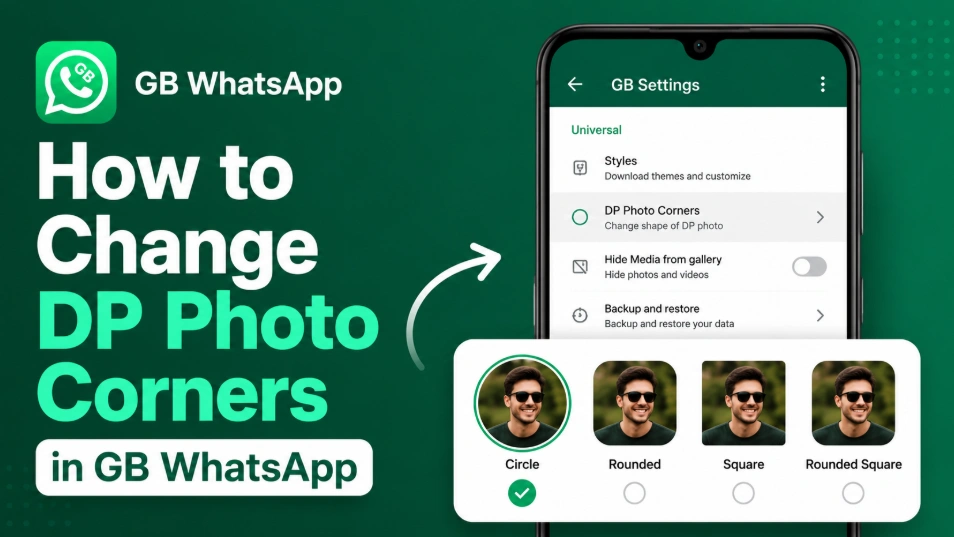
How to Change DP Photo Corners in GB WhatsApp (2026)
Learn how to change DP Photo Corners in GB WhatsApp by opening GB Settings > Universal > DP Photo Corners, selecting your preferred style, and saving the changes.
Read More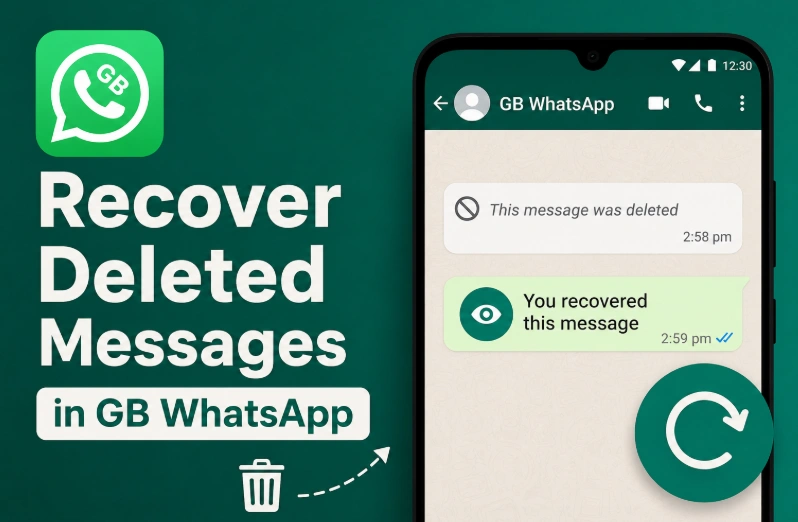
How to Recover Deleted Messages in GB WhatsApp (2026)
Recover deleted messages in GB WhatsApp by enabling the Anti-Delete Messages feature. View messages even after the sender deletes them.
Read More